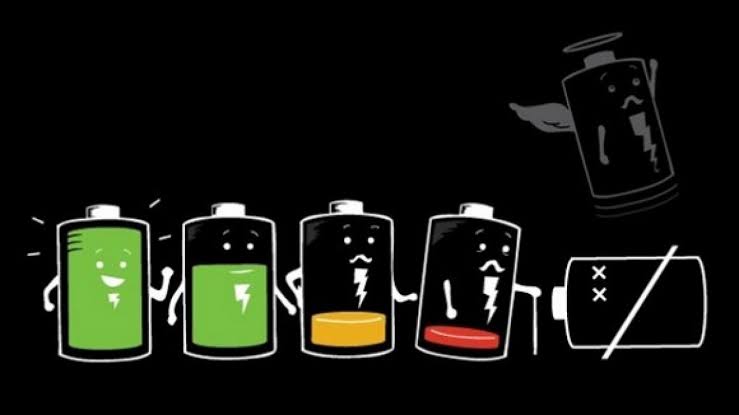
• Stop full charging your phones
Li-ion batteries are more stressed when charge is below 20% and higher than 80%. So keep the charge between these numbers as much as possible.
• Don’t charge your phone too often
It may reduce the number of charging cycles of your phone and you may notice substantial decrease in battery life.
• don’t let your phone overheat
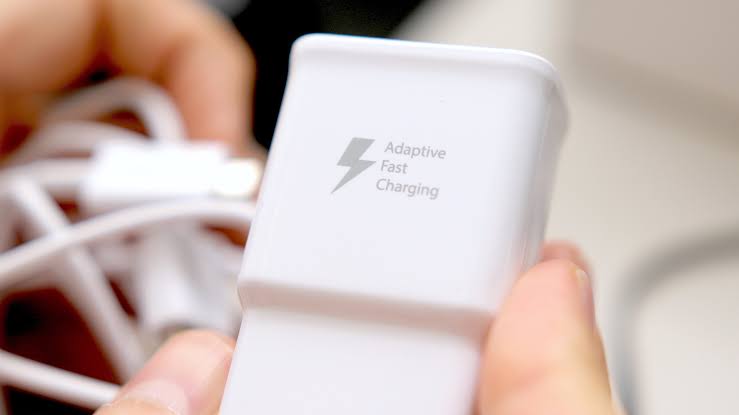
Heat is the main factor which affects battery life. Don’t let your phone over heat especially while charging. Let your device cool and if possible remove any sort back cases while charging.
• Uninstall unwanted apps and stop background activities of unwanted apps

Some unwanted apps keep running in background and keep draining your battery. It’s a serious issue for many users. So uninstall unwanted apps in your phone and stop background activities of apps you don’t need.
You can uninstall apps like Facebook which run in background even when you stop its background activities. You can replace it with Facebook lite. It may have a drastic difference in battery.
• turn off unnecessary sync
Syncing your data is important, but its not for third party apps. They will be syncing your data in background, so you may have battery drain from them as well, so keep uncessary sync off.
• factory reset your phones

If your device is a year or older try factory resetting your phones, this would remove any sort of bugs or issues causing battery drain and you would also notice some improvement in performance.
This tip is especially for MIUI 11 users. After the rollout of MIUI 11, most of the users are complaining about heavy battery drain. You can prevent this by factory reseting your phone once. This may help most of the users to increase there battery life. But don’t forget to backup your data before reset.
 Techstuff
Leave a comment